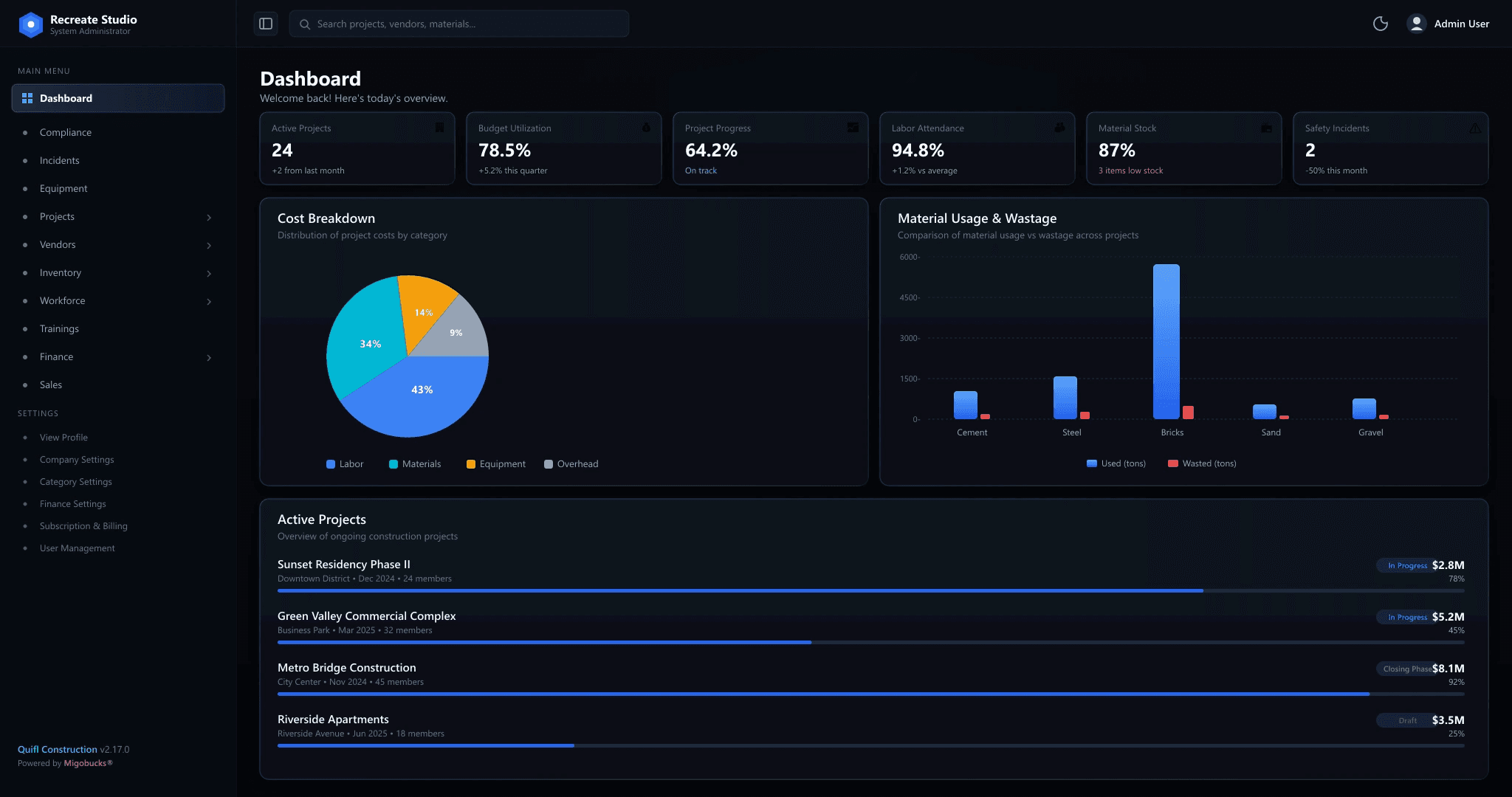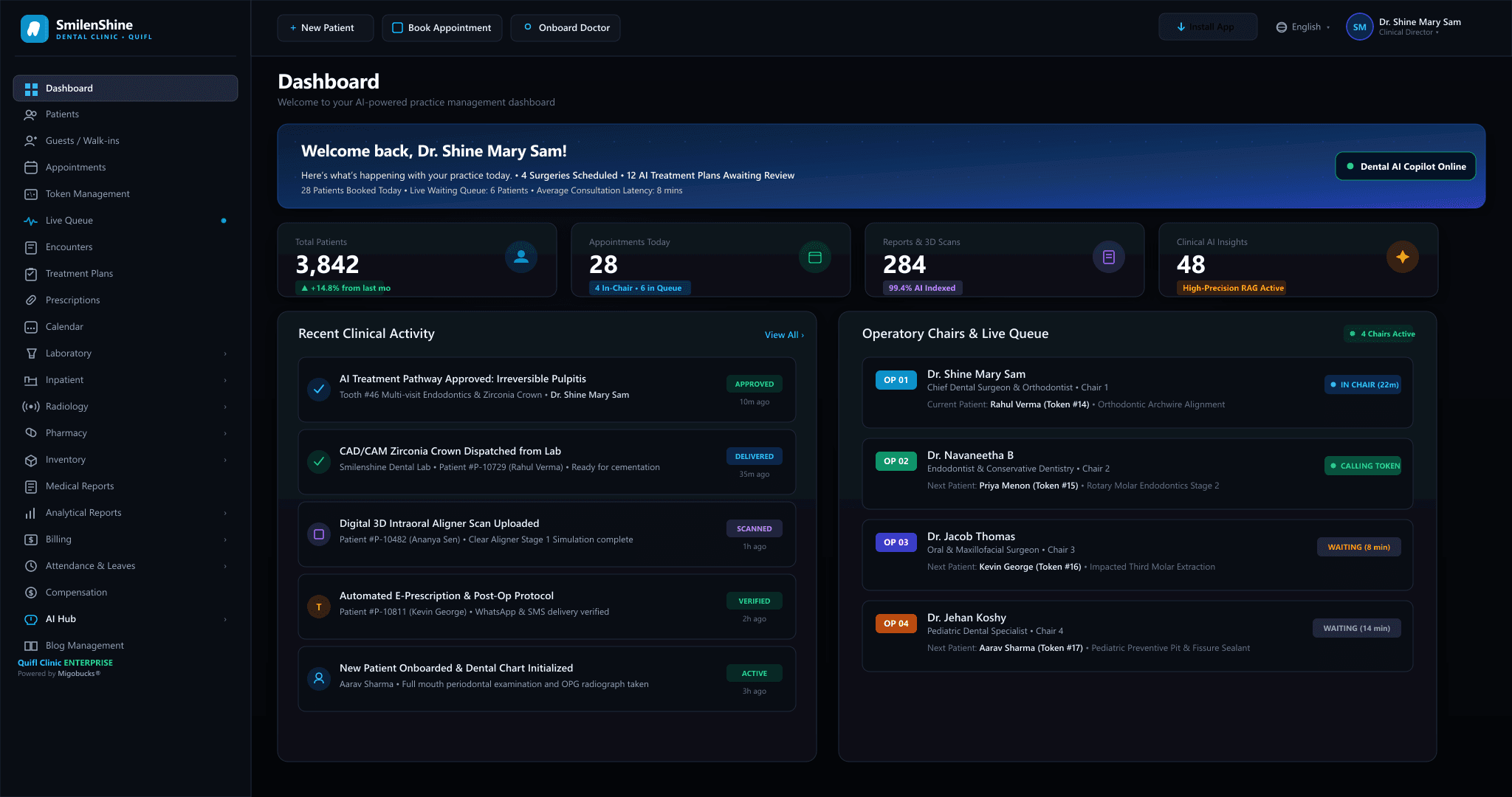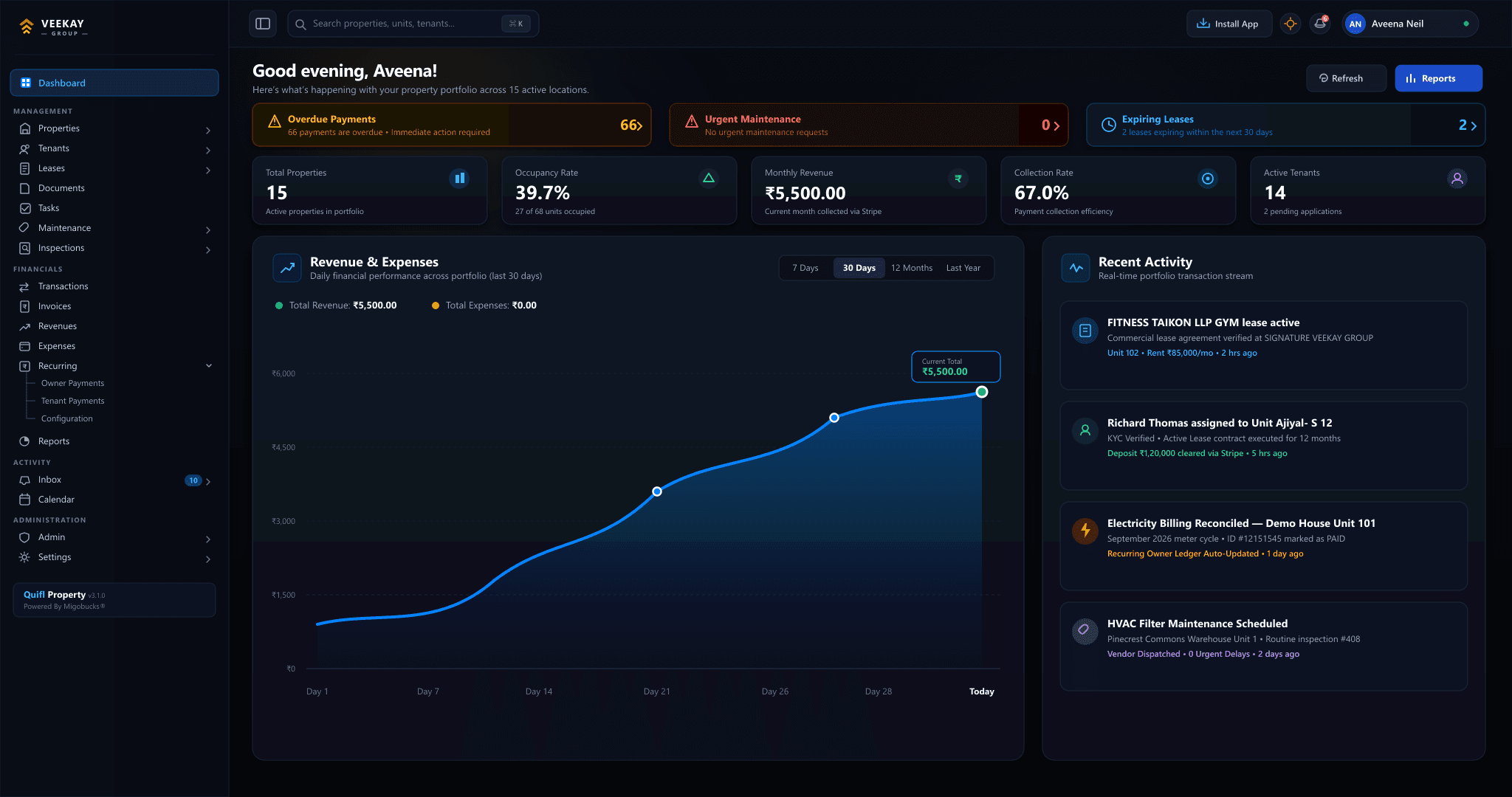
Businesses today are under increasing pressure to improve efficiency, reduce operational costs, and deliver better customer experiences. As organizations grow, manual processes that once worked well can become time-consuming, inconsistent, and difficult to manage. Tasks such as updating customer records, processing invoices, tracking inventory, managing approvals, and preparing reports can consume valuable employee time. Business […]
Businesses today are under increasing pressure to improve efficiency, reduce operational costs, and deliver better customer experiences. As organizations grow, manual processes that once worked well can become time-consuming, inconsistent, and difficult to manage.
Tasks such as updating customer records, processing invoices, tracking inventory, managing approvals, and preparing reports can consume valuable employee time. Business automation offers a way to streamline these activities, but selecting the right technology is not always straightforward.
The market includes workflow automation platforms, robotic process automation (RPA) tools, customer relationship management (CRM) systems, enterprise resource planning (ERP) software, and AI-powered automation solutions. Each serves different purposes, and choosing the wrong tool can introduce unnecessary costs, fragmented data, and additional complexity.
The key to choosing the right automation tools is to start with your business needs, not the technology itself.
In this guide, we explore how businesses can identify automation opportunities, evaluate suitable tools, compare their capabilities, and build an automation strategy that supports long-term growth.
What Are Business Automation Tools?
Business automation tools are software applications that execute or coordinate tasks and workflows with limited manual intervention.
Depending on their purpose, these tools can automate repetitive activities, enforce business rules, transfer information between systems, manage approvals, or help employees make decisions using business data.
For example, an automation tool might create a follow-up task whenever a new sales lead enters a CRM system. An accounting system could generate an invoice from an approved sales order, while an inventory system could update stock quantities when goods are received.
Common categories of business automation tools include:
- Workflow automation platforms: Coordinate tasks, approvals, notifications, and business processes.
- Robotic process automation (RPA): Automate repetitive interactions with software interfaces, particularly when direct integration’s are unavailable.
- ERP software: Connect core functions such as finance, procurement, inventory, sales, and operations.
- CRM automation: Automate lead assignment, follow-ups, sales activities, and customer communication workflows.
- AI-powered automation: Use AI to interpret documents, classify information, summarize content, or support decisions.
- Integration platforms: Connect applications and synchronize data across different systems.
These categories can overlap. An ERP platform may include workflow automation, while an AI application may integrate with a CRM to automate specific activities.
The right choice depends on the problem the business is trying to solve.
Step 1: Identify the Business Problems You Want to Solve
Before comparing automation software, identify the operational challenges that are affecting your organization.
A common mistake is selecting a popular tool and then trying to fit existing processes around it. A more effective approach is to examine how work currently happens and determine where automation could create measurable value.
Start by asking:
- Which tasks require employees to enter the same information repeatedly?
- Where do delays occur because approvals depend on manual follow-ups?
- Which processes generate frequent errors or rework?
- Where is information duplicated across different applications?
- Which reports require significant manual preparation?
- What prevents employees from focusing on higher-value activities?
For example, a sales team may spend hours manually assigning leads, updating CRM records, and sending reminders. The underlying problem is not necessarily a lack of software. It may be the absence of a consistent, connected sales workflow.
Documenting these problems helps establish the requirements that an automation tool must satisfy.
Step 2: Map Your Existing Business Processes
Once the problems are identified, map the current workflow before deciding what to automate.
A process map should identify the starting event, required inputs, activities, responsible roles, decision points, exceptions, and expected outputs.
Consider a purchase approval process:
- An employee submits a purchase request.
- The manager checks the business requirement.
- Finance verifies budget availability.
- An authorized person approves or rejects the request.
- Procurement proceeds with the approved purchase.
- The system records the status and notifies the relevant employees.
If these activities are coordinated through emails and spreadsheets, an automation tool could manage routing, notifications, status updates, and approval records.
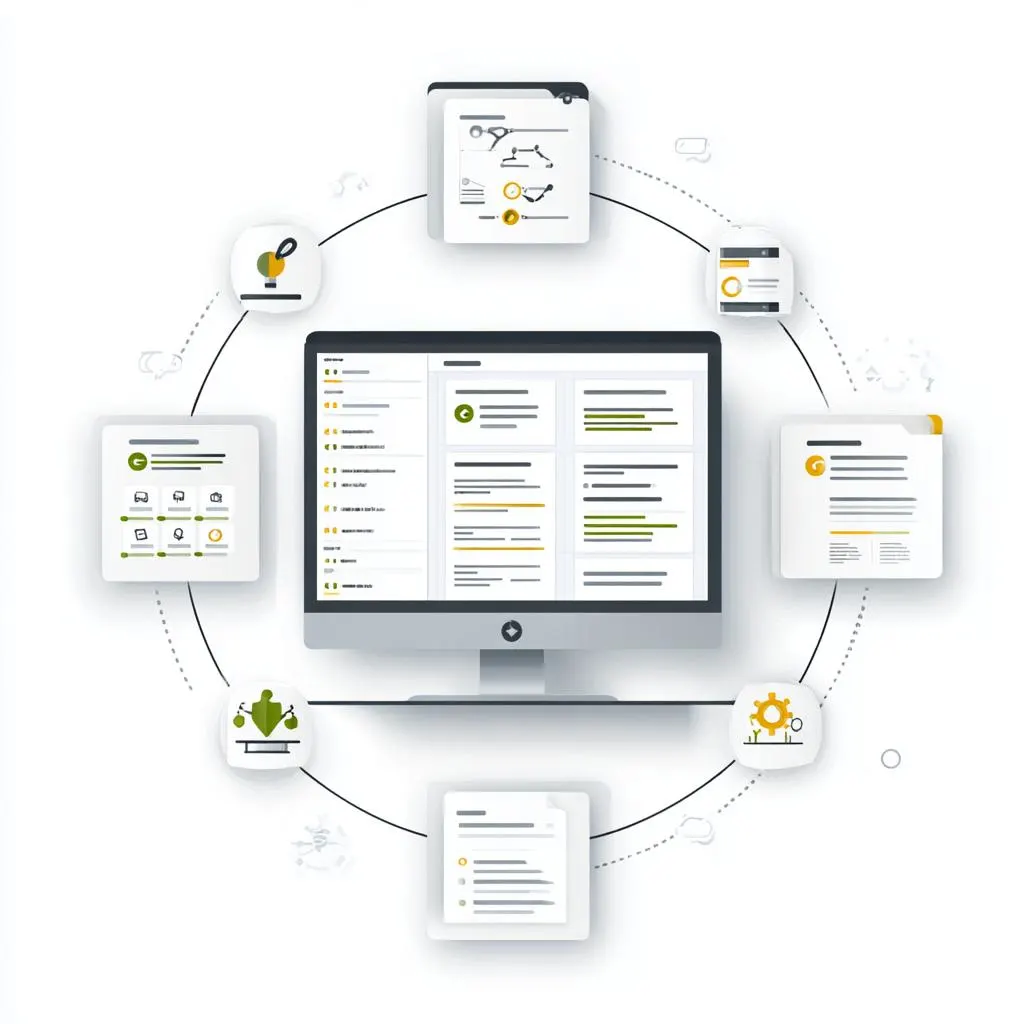
However, automation should not simply reproduce an inefficient process. Before implementation, remove unnecessary steps, clarify responsibilities, and standardize the rules wherever possible.
A well-defined process makes it easier to determine which tool is appropriate and how success should be measured.
Step 3: Choose the Right Type of Automation Tool
Different business problems require different capabilities. The following comparison can help narrow the options.
| Business requirement | Suitable tool category | Example application |
|---|---|---|
| Manage leads and customer follow-ups | CRM automation | Assign leads and schedule reminders |
| Coordinate approvals and tasks | Workflow automation | Route purchase requests to managers |
| Connect disconnected applications | Integration platform | Synchronize customer and order data |
| Automate repetitive screen-based tasks | RPA | Transfer information between legacy systems |
| Manage finance, stock, procurement, and operations | ERP software | Connect transactions across departments |
| Extract information from documents | AI-powered automation | Read supplier invoices for review |
| Analyze large volumes of business information | AI and analytics tools | Summarize reports and identify patterns |
The table provides a starting point rather than a rigid classification. Many modern platforms combine several of these capabilities.
For example, if a company needs to automate procurement from purchase requests through inventory updates and accounting entries, a connected ERP solution may be more suitable than several independent tools.
If the requirement involves automating a single task between two existing applications, a lightweight workflow or integration platform may be sufficient.
The objective is to select the simplest architecture that meets the business requirements without creating avoidable complexity.
Step 4: Evaluate Integration Capabilities
One of the most important factors in choosing automation software is its ability to work with your existing technology stack.
Businesses often use multiple applications for sales, accounting, human resources, inventory, customer support, and project management. When these systems operate independently, employees may need to transfer information manually or maintain duplicate records.
Before selecting a tool, assess whether it supports the required integration’s through APIs, connectors, web-hooks, or other supported mechanisms.
Consider the following questions:
- Can it connect to your existing business applications?
- Does it synchronize data in the required direction?
- Can it handle failed transactions and retry operations safely?
- Does it preserve consistent customer, product, and transaction records?
- Can integration’s be monitored and maintained?
- Will the integration remain supported as the applications evolve?
For example, when a sales order is confirmed, the business may need to update inventory, initiate fulfillment, and make the relevant information available to finance.
A well-designed integration should ensure that each system receives the information it needs, while preserving transaction status, validation rules, and error handling.
Integration is not simply about connecting applications. It is about ensuring that information moves reliably and remains consistent across the business.
Step 5: Consider Scalability and Flexibility
An automation tool that works for a small team may become difficult to manage as transaction volumes, departments, and business locations increase.
Evaluate whether the tool can accommodate future requirements without forcing the organization to rebuild its workflows.

Important considerations include:
Volume: Can the system handle increasing numbers of transactions, users, and workflows?
Workflow complexity: Can it support conditional logic, parallel approvals, exceptions, and dependencies?
Configuration: Can business administrators modify rules and workflows without requiring extensive development?
Multi-department operations: Can different teams work within shared processes while maintaining appropriate responsibilities and permissions?
Extensibility: Can the platform support new integration’s and additional automation use cases?
For growing businesses, flexibility is particularly important because operational requirements often change as the organization expands.
Choose a solution that supports realistic future growth, but avoid paying for extensive capabilities that have no clear business purpose.
Step 6: Assess Security, Permissions, and Compliance
Automation systems may process customer information, employee records, financial transactions, contracts, and other sensitive data.
Consequently, security should be part of the selection process rather than a final implementation step.
Evaluate whether the platform supports role-based access control, audit logs, data encryption, secure integration’s, and appropriate authentication mechanisms.
For workflows involving financial transactions, approvals, or confidential records, establish which actions can be performed automatically and which require human authorization.
For example, an automation tool might prepare a supplier payment for approval, but the final payment should follow the organization’s financial authorization policy.
If AI is involved, consider how the system handles confidential information, model access, data retention, and the possibility of inaccurate outputs.
Organizations should also assess relevant legal, regulatory, contractual, and industry-specific requirements before adopting a solution.
The appropriate controls depend on the sensitivity of the data and the consequences of an incorrect or unauthorized action.
Step 7: Calculate the Total Cost of Ownership
The cost of automation software extends beyond the subscription or license price.
A complete evaluation should consider:
- Software subscriptions or license fees.
- Initial setup and implementation.
- Data migration and integration development.
- Employee training and change management.
- Infrastructure and ongoing maintenance.
- Monitoring, support, and troubleshooting.
- Additional usage, transaction, or AI processing charges.
- Future customization and upgrade costs.
For example, a low-cost tool may appear attractive initially but require expensive custom integration’s to connect with the company’s accounting or inventory systems.
Another platform may have a higher subscription cost but provide the required integration’s and workflows out of the box.
Compare solutions using their expected total cost over an appropriate period, not just their advertised monthly price.
How to estimate automation ROI
A simple framework is to estimate the annual benefits and compare them with the annualized implementation and operating costs.

Suppose a business automates a repetitive process that currently takes 20 hours per week. If the automation reduces the manual effort by 50%, the process saves approximately 10 hours per week.
At an assumed labour cost of ₹500 per hour, the potential annual value of the released capacity is:
10 hours × ₹500 × 52 weeks = ₹2,60,000.
If the annualized cost of the automation is ₹1,20,000, the estimated net annual benefit is ₹1,40,000.
Using these assumptions, the illustrative ROI is:
ROI = (₹2,60,000 − ₹1,20,000) ÷ ₹1,20,000 × 100 = 116.7%.
This is an illustrative calculation, not a guaranteed saving. Businesses should account for actual adoption, implementation costs, maintenance, and whether the released employee time translates into measurable economic value.
Step 8: Evaluate Ease of Use and Employee Adoption
Even a technically capable automation platform may fail if employees find it difficult to use or do not understand how it changes their responsibilities.
Evaluate the interface, workflow configuration experience, reporting features, documentation, training resources, and availability of support.
Involve the employees who will use the system during the evaluation process. Their feedback can reveal practical issues that may not appear in a vendor demonstration.
For example, a procurement manager may need a clear dashboard showing pending approvals, delayed deliveries, and outstanding supplier information. If the platform hides these activities behind complicated menus, adoption may suffer.
Automation should make work easier to understand and manage. It should not create another layer of administration.
Step 9: Test the Tool Before Full Implementation
Avoid deploying an automation solution across the entire organization without validating it against real business scenarios.
Start with a pilot that covers a limited process, department, or group of users.
Define success criteria before testing begins. These may include reduced processing time, fewer errors, improved status visibility, or faster approval turnaround.
Test normal scenarios as well as exceptions. What if an approval is rejected? When an integration fails or the same event is received twice, what occurs?
For workflows that affect inventory or accounting, confirm that retries do not create duplicate transactions and that failures can be detected and resolved.
A successful pilot should demonstrate that the tool meets functional requirements, integrates reliably, protects business data, and delivers measurable value.
Use the results to improve the workflow before expanding the implementation.
Common Mistakes to Avoid When Choosing Automation Tools
Businesses can reduce implementation risk by avoiding several common mistakes.
Choosing tools based only on price: A low initial cost does not guarantee a lower total cost of ownership.
Automating unclear processes: Poorly defined workflows often produce automated inefficiency rather than genuine improvement.
Ignoring integration requirements: Disconnected applications can create additional manual work and inconsistent information.
Overlooking employee adoption: A solution that employees cannot use effectively may fail to deliver the expected benefits.
Giving automation excessive permissions: Systems should have only the access necessary to perform their assigned tasks.
Automating everything at once: A phased roll-out makes it easier to identify problems and control implementation risk.
Failing to measure outcomes: Without clear metrics, organizations cannot reliably determine whether the automation is successful.
The best automation strategy is usually incremental, evidence-based, and aligned with the organization’s operational priorities.
A Practical Framework for Selecting Automation Software
Before making a final decision, create a shortlist and evaluate each solution against consistent criteria.
A weighted scoring model can help:
| Evaluation criterion | Suggested weight |
|---|---|
| Business requirements and functionality | 25% |
| Integration capabilities | 20% |
| Security and compliance | 15% |
| Total cost of ownership | 15% |
| Scalability and flexibility | 10% |
| Ease of use and adoption | 10% |
| Vendor support and reliability | 5% |
| Total | 100% |
Score each vendor on a consistent scale, such as 1 to 5, and multiply the score by the criterion’s weight.
The weights should be adjusted to reflect the organization’s priorities. A regulated business may place greater emphasis on security, while a company operating across multiple applications may prioritize integration.
Use the resulting score to support the decision, not replace it. Critical requirements, security deficiencies, and integration limitations should be assessed separately rather than hidden by a high overall score.
Conclusion: Choose Automation That Supports Your Business Goals
Choosing the right automation tools is a business decision as much as a technology decision.
The most effective solution is not necessarily the platform with the largest feature set or the most advanced AI capabilities. It is the one that addresses a clearly defined problem, integrates with existing systems, protects business information, and delivers measurable operational value.
Businesses should begin by understanding their processes, defining requirements, evaluating integration and security, estimating the total cost of ownership, and testing shortlisted tools through controlled pilots.
As organizations grow, automation can evolve from isolated task improvements into connected workflows across sales, finance, inventory, procurement, and operations.
For business analysts and technology teams, the opportunity is to bridge business requirements and technical capabilities, ensuring that every automation initiative solves a genuine operational challenge.
At Migobucks Tech, understanding how to select and integrate the right technologies is an important step toward building more connected, efficient, and scalable business operations.
Related reading
- What Is Business Automation?
- 10 Business Processes That Can Be Automated
- AI Automation vs Traditional Business Automation
- Why Businesses Outgrow Spreadsheets
- SaaS vs Self-Hosted Software?
- What Is RAG and Why Is It Important for Enterprise AI?
Related Topics
Share this post

Aravind
Published on October 22, 2026 • 12 min read
Discussion 0
No comments yet
Be the first to share your thoughts and join the conversation.
Leave a Comment
Your email address will not be published. Required fields are marked *